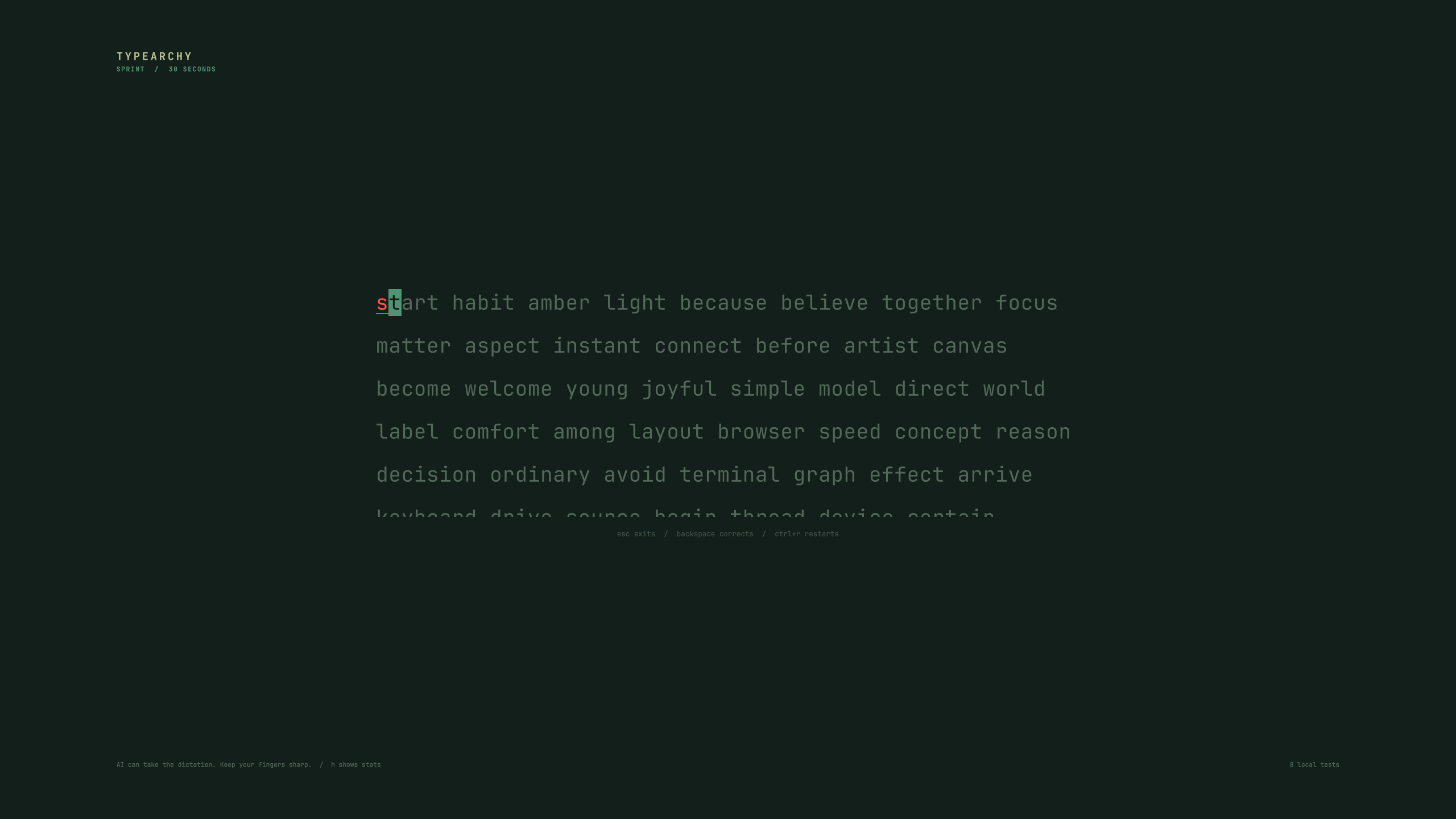
One core for both clients, and an account you can keep your practice in.
The desktop app and the browser now run the same typing, content and history code, generated from one source. A score means the same thing in both, and a history backup moves between them.
Keep practice history on your profile: opt-in from the History page, one press, scores only. No prompts, no keystrokes, and your device keeps all of its runs while the account keeps the newest 500.
History is one page with three labelled sources: this device, your account, and your challenge results.
The site installs like an app and works offline, and a completed run is saved locally with no network.
Small text is legible again. The game was drawing its labels at 4.40:1 against its own background, and now goes through the same contrast correction the result card always used. Three of the six themes were affected.
A run can be chosen, set up, played and finished with the keyboard alone.
Under the surface: history paging no longer repeats a row at a page boundary, every internal link resolves, and the public routes and share pages are audited for contrast, control names and heading order on every change.
Version 1.5 brings practice and challenge results together in one History page, and makes local history harder to lose.
One History page for practice and challenge results, with progress, practice time, and frequent mistypes shown without digging through settings.
Reopen saved passages and review a challenge result privately before sharing it.
Keep older runs: history paginates, and the browser keeps its original archive until you clear it, so a migration can be undone.
Import a backup without duplicates, and get your original data back when an import fails.
Sharper result flow: the practice editor opens when you start a new custom practice, controls wait for the game to be interactive before they accept clicks, and the duration buttons fit again.
The desktop app cannot lose history on upgrade: installing keeps a snapshot of everything it touches and restores it if anything fails.
Create a challenge, send a friend the link, and race. Typearchy 1.4 makes sharing easier and gives you more control over your account and practice history.
Share challenges right away. Friends can race your custom passages before they appear in the public library, with shared results and standings.
Connect your browser from the app. Link a browser without entering your recovery code, or replace a lost code without disconnecting your devices.
Keep your practice history. Export and import runs from the app without creating duplicates.
Make sense of your results. Clearer labels show which runs are saved locally, shared, or paused, and explain how your personal bests compare.
Get clearer feedback. Better messages explain connection problems, unsuccessful submissions, available updates, and when guest results expire.
Challenges now show unfinished progress accurately, with visible Enter markers and incorrect spaces. You can erase back to the first mistake without restarting.
Tab keeps your typing focus; Escape releases it in the browser. The finish timer stays frozen, and restarting an unsaved result asks before discarding it.
Verified with a full Rails challenge using real browser keyboard input and server validation.
Challenge search and language filters now apply automatically. The extra button is gone, and the language selector is aligned and centered.
First public release of Typearchy, a local-first typing game for Omarchy. Includes the native plugin, full browser client, Daily challenges, adaptive Drill mode, code and shell practice, local history, ghosts, themes, and shareable result pages.